

Redemption allows you to convert Paxos-issued stablecoins into USD and send the funds to your bank account. Follow the steps below to complete this process using the Convert option in the Dashboard.Documentation Index
Fetch the complete documentation index at: https://paxos-0ac97319-smp-paxos-patch-1.mintlify.app/llms.txt
Use this file to discover all available pages before exploring further.
What You’ll Do
- Add a Fiat Account.
- Convert a stablecoin to USD and transfer the funds to a bank account.
Before you begin
Requirements
- A verified Paxos account
- A Treasurer role with the required permissions.
Supported Stablecoins and Networks
| Asset | Supported Network |
|---|---|
| USDG | Ethereum, Solana, X Layer |
| PYUSD | Ethereum, Solana, Arbitrum, Stellar |
| USDP | Ethereum |
➊ Add Fiat Account
Before you can redeem stablecoins, you need to add a fiat account in the Paxos Dashboard.- Go to the Dashboard > Fiat Accounts
- Click + Fiat Account in the top-right corner.

- Select a network.
- Enter account details.
- Fill in recipient details.
- Enter a mailing address.
- Click Save.
➋ Redeem Asset
- Go to the Dashboard and click Convert in the top-right corner.
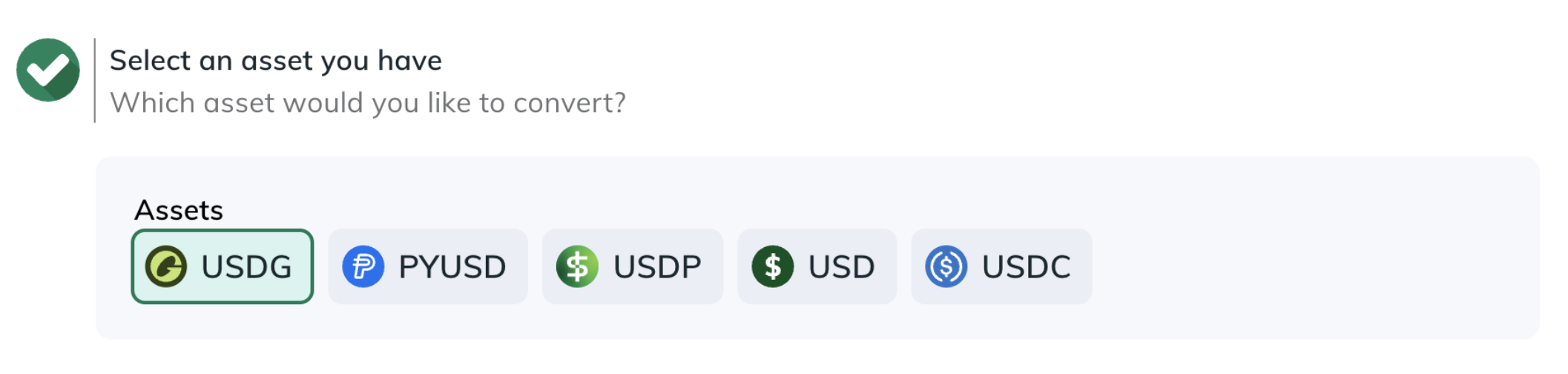
- Select the Asset to redeem.
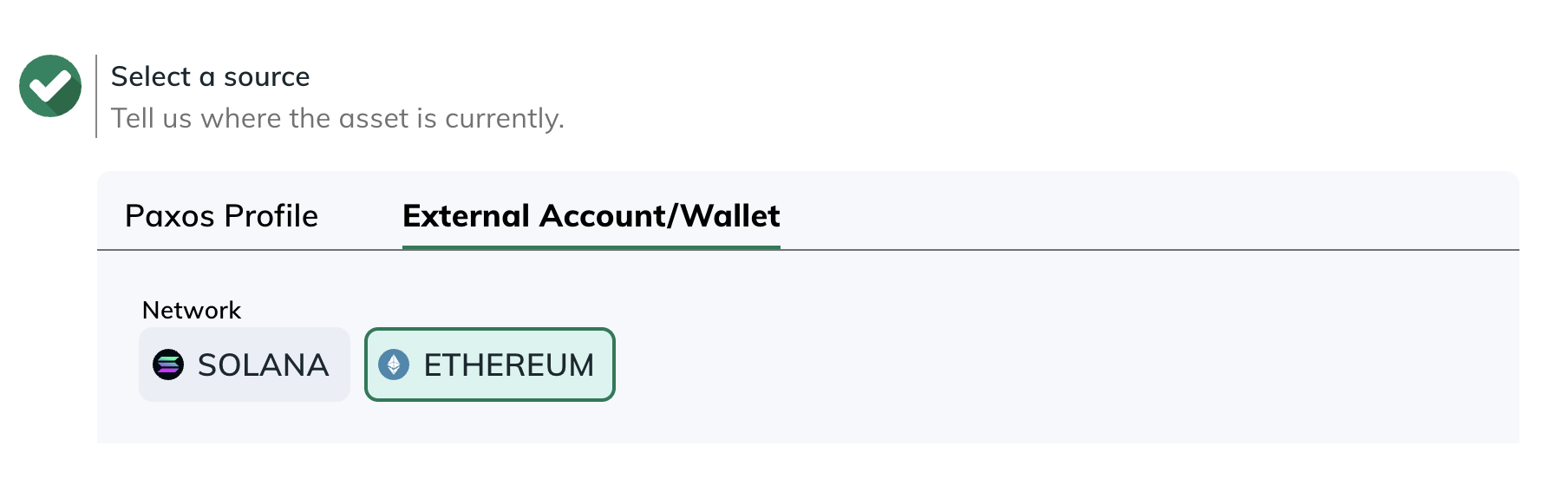
- Choose the Source where the asset is located (a Profile or External Account/Wallet).
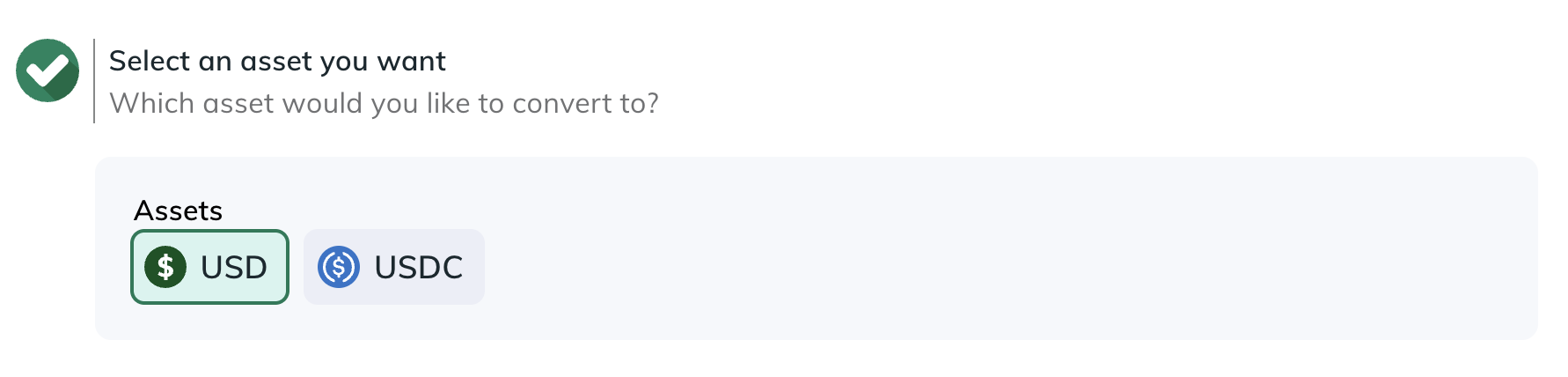
- Select the Asset to receive.
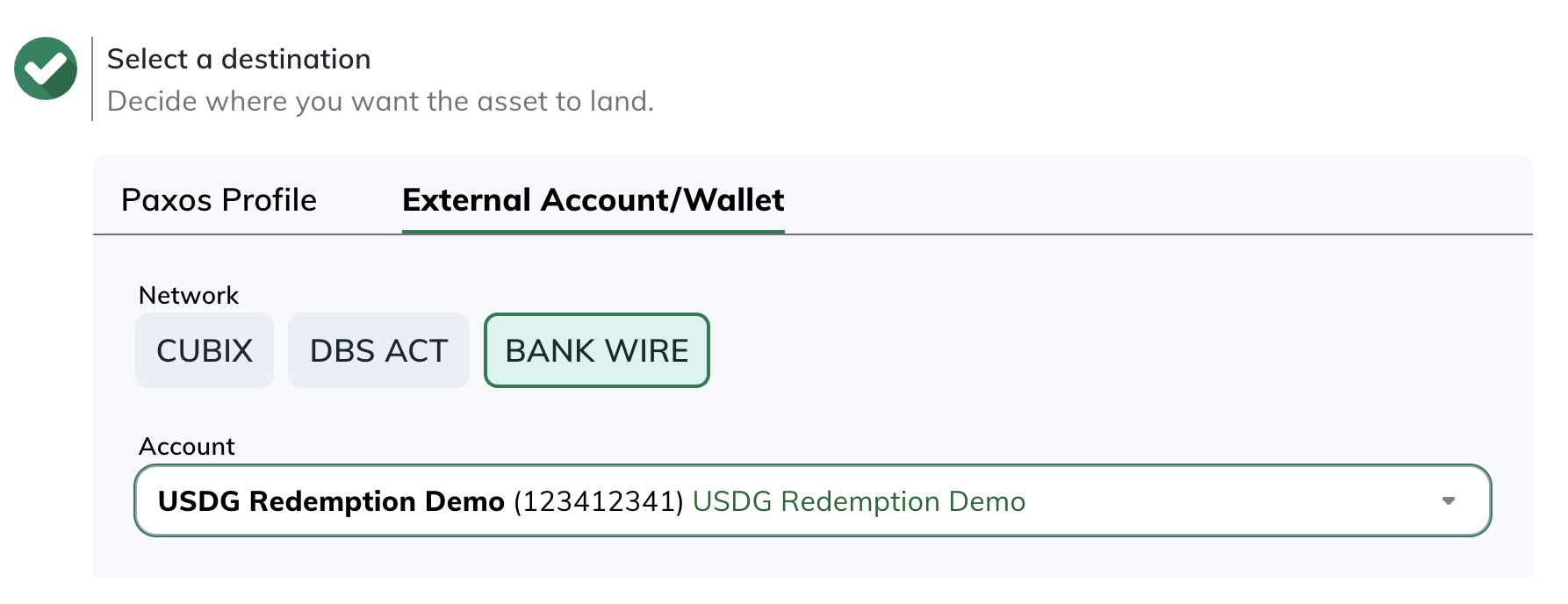
- Choose the Destination where the converted asset should go (a Profile or an External Account/Wallet).
- Go to Transactions > Asset Movements or Transactions > Conversions to monitor activity.